
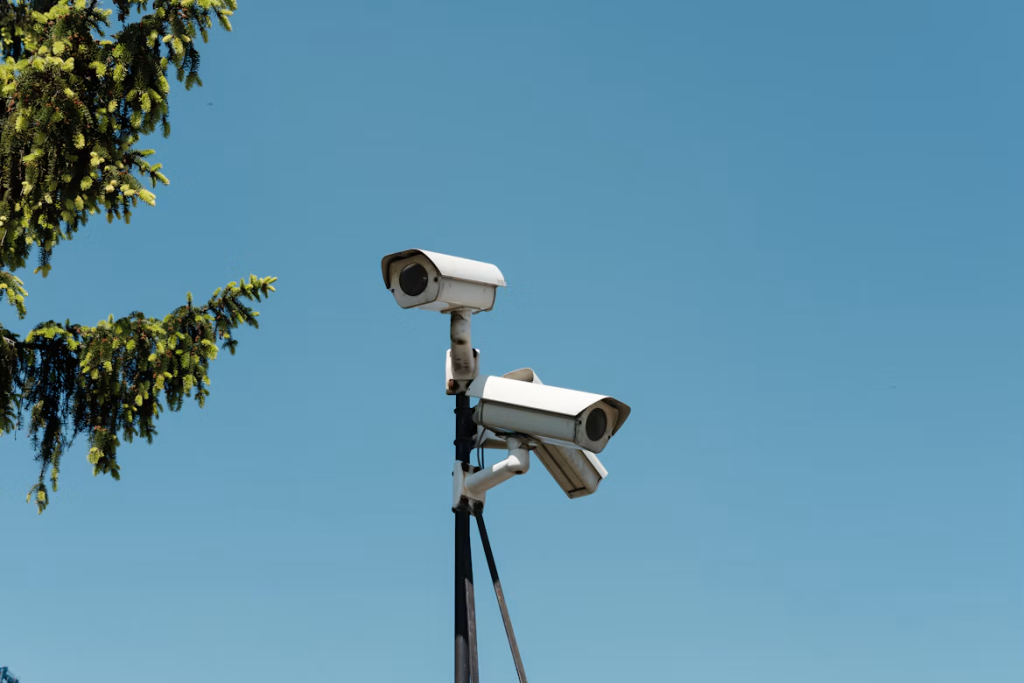
Commercial surveillance systems now deliver enough detail and processing power to serve as practical business intelligence tools. A well-designed 4K Power over Ethernet setup can help teams review incidents, monitor busy areas, and manage multiple locations from one interface. The strategic value depends on more than resolution, though. Camera placement, network capacity, storage planning and cybersecurity all affect the results.
What 4K Resolution Adds
A 4K camera typically records at 3840 by 2160 pixels, producing roughly four times as many pixels as a 1080p camera. That extra detail can help staff distinguish clothing, read signs, or examine activity across a large sales floor. It also gives investigators more room to zoom into recorded footage without the image breaking down as quickly.
Resolution alone can’t correct poor lighting or an obstructed view. Lens quality, sensor size, frame rate, and low-light performance remain relevant. Before upgrading, identify the exact details each camera must capture and test sample footage at the distances found on-site.
When a PoE Upgrade Makes Sense
Power over Ethernet carries data and electrical power over a single Ethernet cable. This simplifies installation because each camera doesn’t need to be near a nearby electrical outlet. A compatible network switch can also centralize power management, making it easier to restart a camera or connect critical equipment to a backup power source.
Businesses comparing 4K PoE security camera systems should first map the areas that require high-detail coverage. Entrances, loading zones, and transaction counters may justify 4K, while a narrow hallway could work well at a lower resolution. This mixed approach can control storage costs without sacrificing useful evidence.
Bandwidth and Storage Need Real Numbers
Higher resolution creates larger video files, so estimate bandwidth and storage before ordering hardware. Bit rate, frame rate, recording schedule, compression format, and retention period all shape capacity. For example, 20 cameras recording continuously will require far more storage than the same cameras recording only when motion is detected.
Run calculations using realistic settings rather than relying on maximum marketing figures. Include extra capacity for periods of heavy activity and leave room for future cameras. Modern codecs can reduce file sizes, but compatibility matters across cameras, recorders and viewing software. Your network should also keep surveillance traffic from interfering with payment systems, cloud applications or voice calls.
Smart Detection Reduces Review Time
Human and vehicle detection can make a system easier to manage by filtering ordinary pixel changes caused by shadows, rain or moving branches. Instead of searching through eight hours of footage, a manager may be able to review a short set of event clips tied to a particular doorway.
Analytics still require careful configuration. Draw detection zones around relevant spaces, set schedules based on operating hours, and adjust sensitivity after reviewing several days of alerts. Built-in microphones may provide useful context where recording audio is lawful and appropriate. Since audio rules differ, confirm local requirements and document where sound recording is enabled.
Treat Every Camera as a Network Device
Connected cameras require the same security discipline as other business technology. Change default credentials, use unique passwords, install firmware updates, and limit remote access. The CISA cybersecurity guidance for businesses also supports practical controls such as multifactor authentication, backups and network segmentation.
Place cameras on a dedicated network segment when possible. Give viewing permissions only to employees whose roles require access and remove accounts promptly when responsibilities change. Exported footage needs similar controls, including clear retention periods and secure transfer methods. Keep a basic inventory with each camera’s location, model, firmware version and installation date, so updates and troubleshooting don’t turn into guesswork.
Measure Value Beyond Image Quality
A commercial camera system should solve defined operational problems. Track how often alerts prove useful, how long incident reviews take and where blind spots remain. A retailer might measure the time required to locate a delivery dispute, while a warehouse could review vehicle activity near a loading area.
Schedule a coverage check after installation and repeat it when shelving, lighting or entry routes change. Review footage during daylight, after dark and during the busiest operating period. A 4K image provides real strategic value when the network can carry it, the recorder can retain it, and authorized staff can quickly find the right clip. Those practical checks turn a collection of cameras into a dependable operational system.