
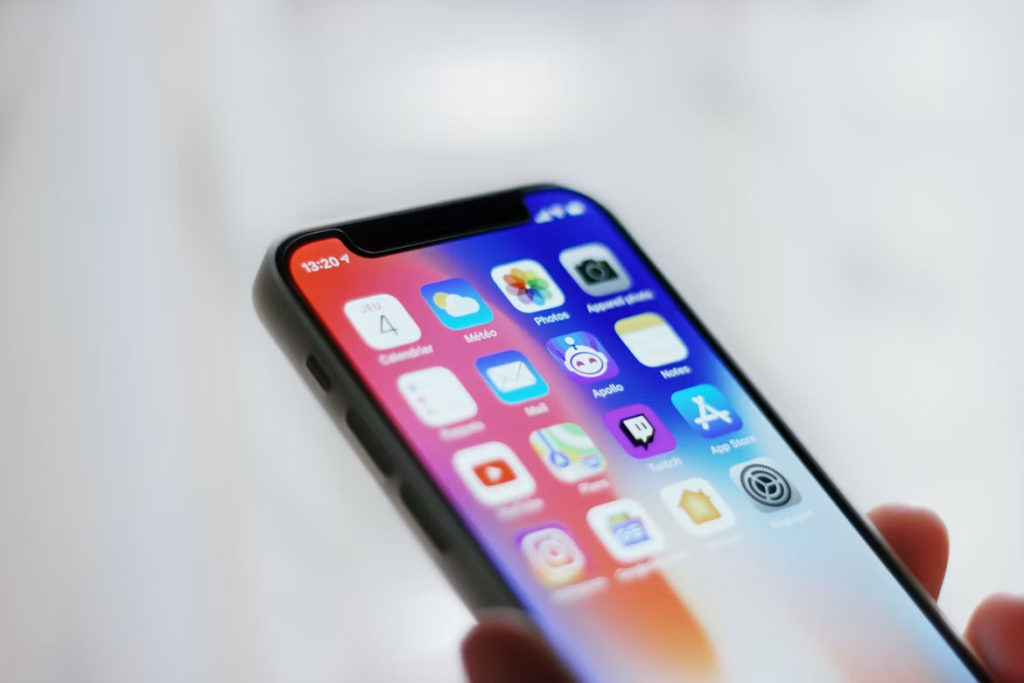
A smartphone works hard every day, often without much attention until the battery drains unusually fast or the screen stops responding. Regular mobile maintenance can reduce performance problems, protect your data, and help the device last longer. Most useful habits take only a few minutes, and they’re far less disruptive than dealing with an unexpected failure.
Keep the exterior clean
Dust, skin oils and pocket lint collect around charging ports, speakers and buttons. Wipe the screen and body with a clean microfiber cloth each day or two. For stubborn marks, lightly dampen the cloth with water. Never spray liquid directly onto the phone since moisture can enter through small openings.
Inspect the charging port under good lighting every few weeks. If you see debris, turn off the device and follow the manufacturer’s cleaning instructions. Sharp or metal objects can damage the contacts. Practical smartphone care advice also recommends protective cases and screen covers as simple safeguards against everyday damage.
Know when a problem needs repair
Small warning signs can point to a developing hardware problem. These include a lifting screen, unexplained overheating, distorted audio, unreliable charging, or a battery that drops rapidly under light use. A swollen battery requires prompt professional attention. Turn off the device, avoid charging it, and don’t press the screen back into place.
For cracked displays, damaged ports and battery problems, professional cell phone repair may restore normal function without the expense of replacing the entire device. Before handing over your phone, create a current backup and remove sensitive information when possible. Ask about replacement parts, expected turnaround time, and service coverage so you understand what the repair includes.
Give the battery an easier routine
Heat places significant strain on lithium-ion batteries. Don’t leave your phone on a sunny dashboard, beside a heater or under a pillow while it charges. If the device becomes noticeably hot during charging, disconnect it and let it cool in an open, shaded area.
You don’t need to drain the battery to zero before plugging it in. Partial charges are fine, and built-in optimized charging features can reduce the time a battery spends at full capacity. Review battery usage once a month to identify apps consuming unusual amounts of power. More smartphone maintenance tips cover battery care along with storage management and routine software checks.
Clear digital clutter and install updates
A nearly full phone may feel sluggish, fail to download files, or struggle to install system updates. Check your storage screen to see which categories use the most space. Videos, offline downloads and duplicate photos are common culprits. Delete files you no longer need and move important media to secure cloud storage or a computer.
Install operating system and app updates from official sources. Updates commonly fix security flaws, correct bugs and improve compatibility. Before a major system upgrade, confirm that you have enough free storage and a recent backup. It also helps to restart your phone every week or two, especially if apps freeze, connections become unreliable, or menus respond slowly.
Build a backup you can trust
A backup has value only if it is current and recoverable. Enable automatic cloud backups for contacts, photos, messages and device settings, then verify the last successful backup date. People often turn on synchronization once and assume it continues forever, but full storage or an expired payment method can quietly interrupt the process.
Keep another copy of irreplaceable photos and documents on a computer or external drive. Protect cloud accounts with a unique password and multifactor authentication. Before resetting, selling, or sending a phone for service, confirm that several recent files open correctly from the backup. That quick test can prevent the unpleasant discovery that important data never uploaded.
Make protection part of daily use
Choose a case with raised edges around the display and camera lenses. A screen protector can absorb scratches and may limit damage from minor drops. Replace either accessory once it cracks, stretches, or stops fitting securely.
Daily handling matters too. Keep the phone in its own pocket instead of placing it beside keys and coins. Use dry hands around charging connections and avoid balancing the device on the edge of a sink, counter or desk. If it gets wet, turn it off and follow the manufacturer’s guidance. Skip heat sources and don’t charge the phone until you’re confident the port is dry.
A clean port, a verified backup and an occasional storage check can prevent many of the failures that seem to appear without warning. Put those tasks on a monthly calendar reminder, then treat heat, swelling and erratic charging as signals that deserve attention immediately.